 Wallpaper Zone
Browse wallpapers
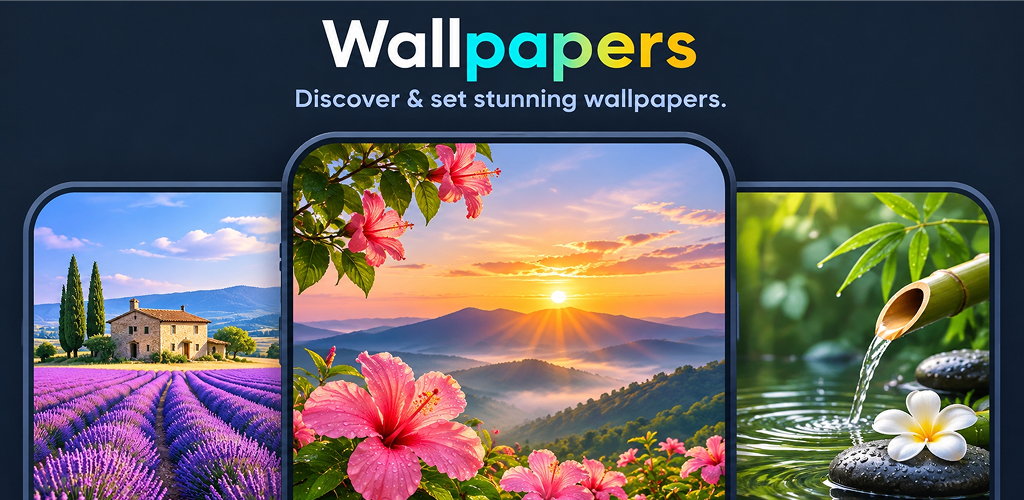
Explore available images when you want a change of background.
Find a wallpaper that fits your style, or describe the image you have in mind and create it with AI. Save your favorites or set a new background in Wallpaper Zone.
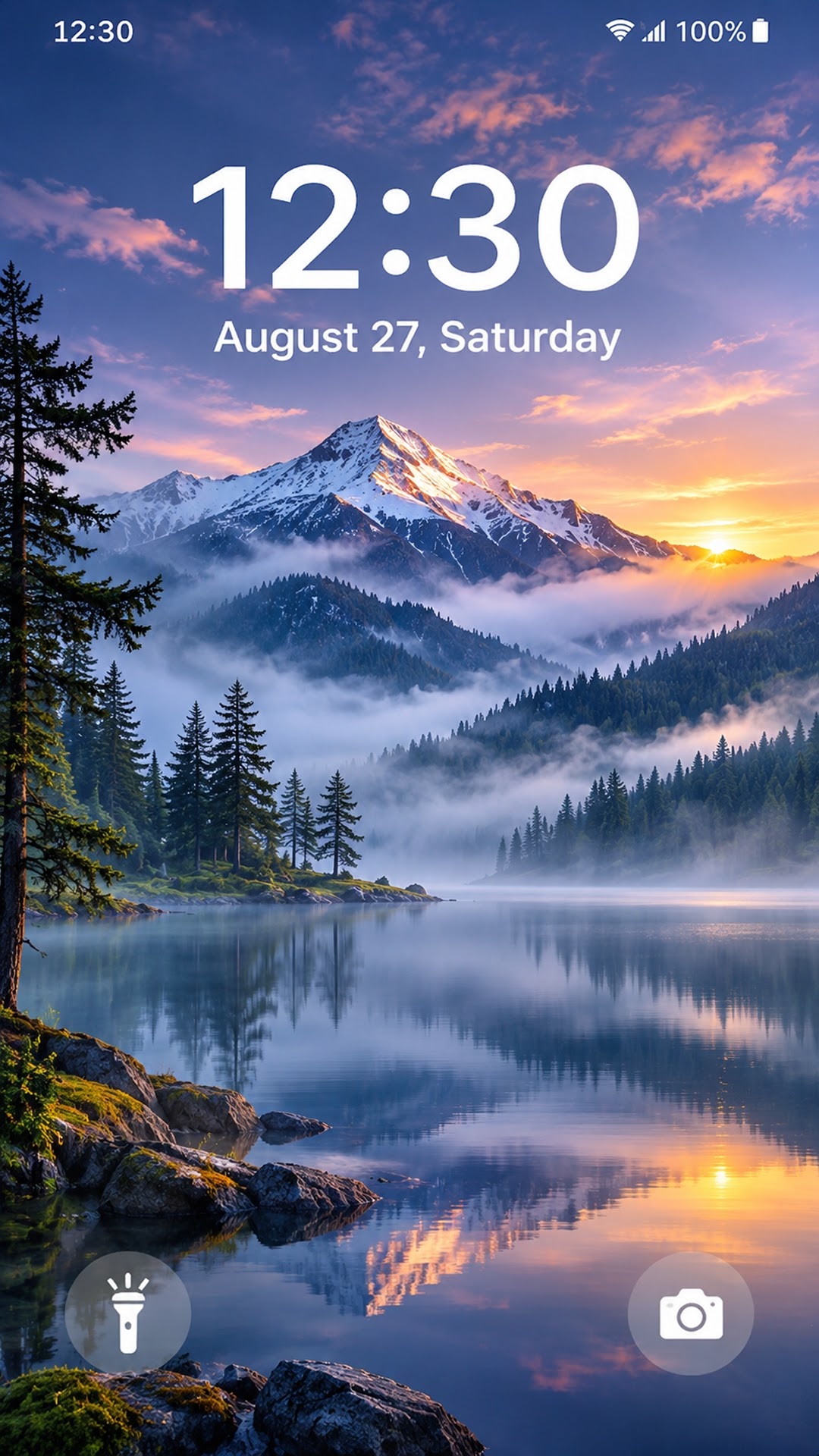
Start with the wallpaper collection or turn a text idea into an image.
Explore available images when you want a change of background.
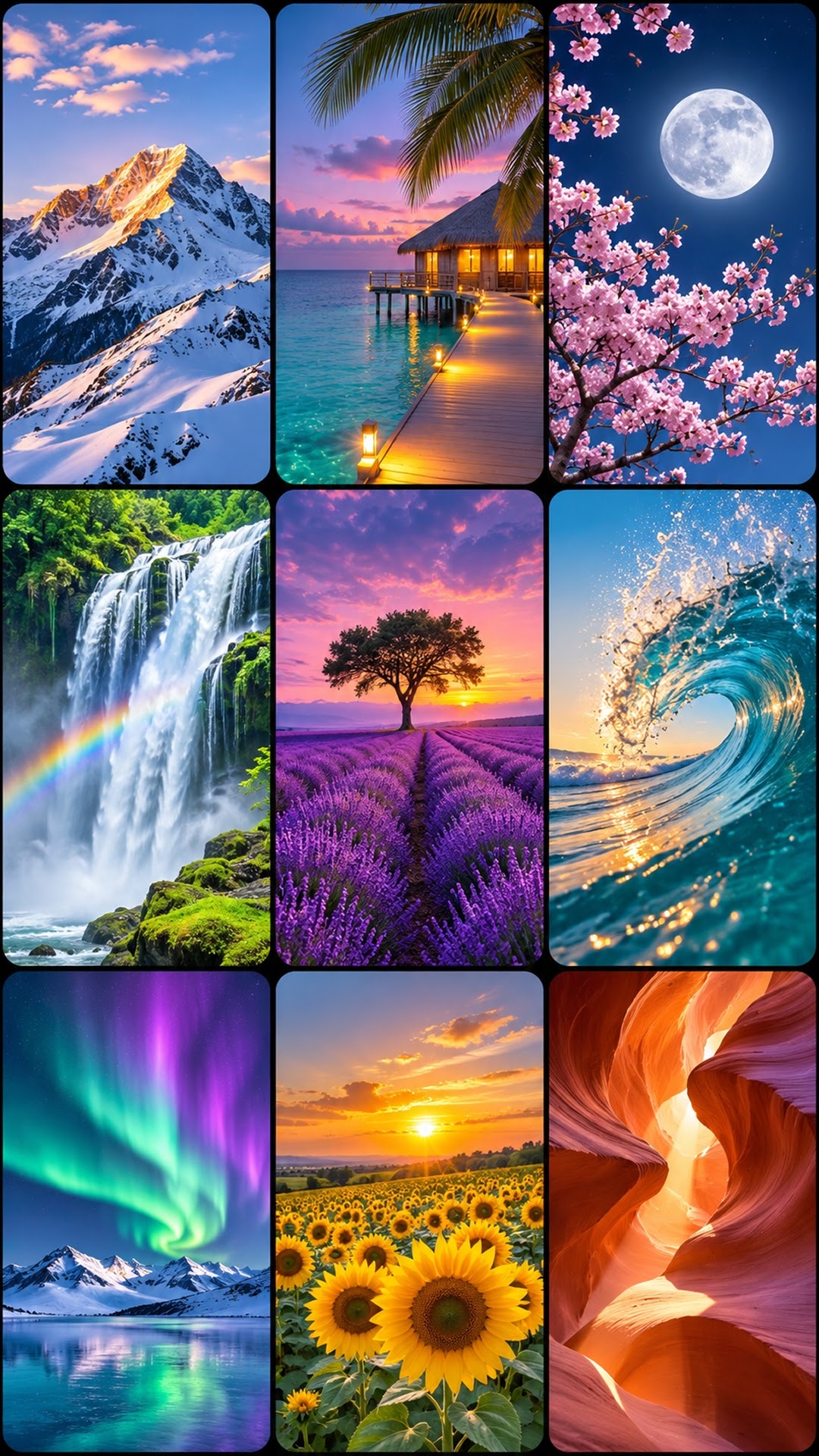
Look through different colors and designs, from simple backgrounds to more expressive visuals.
Download a wallpaper you like to your device so you can use it later.
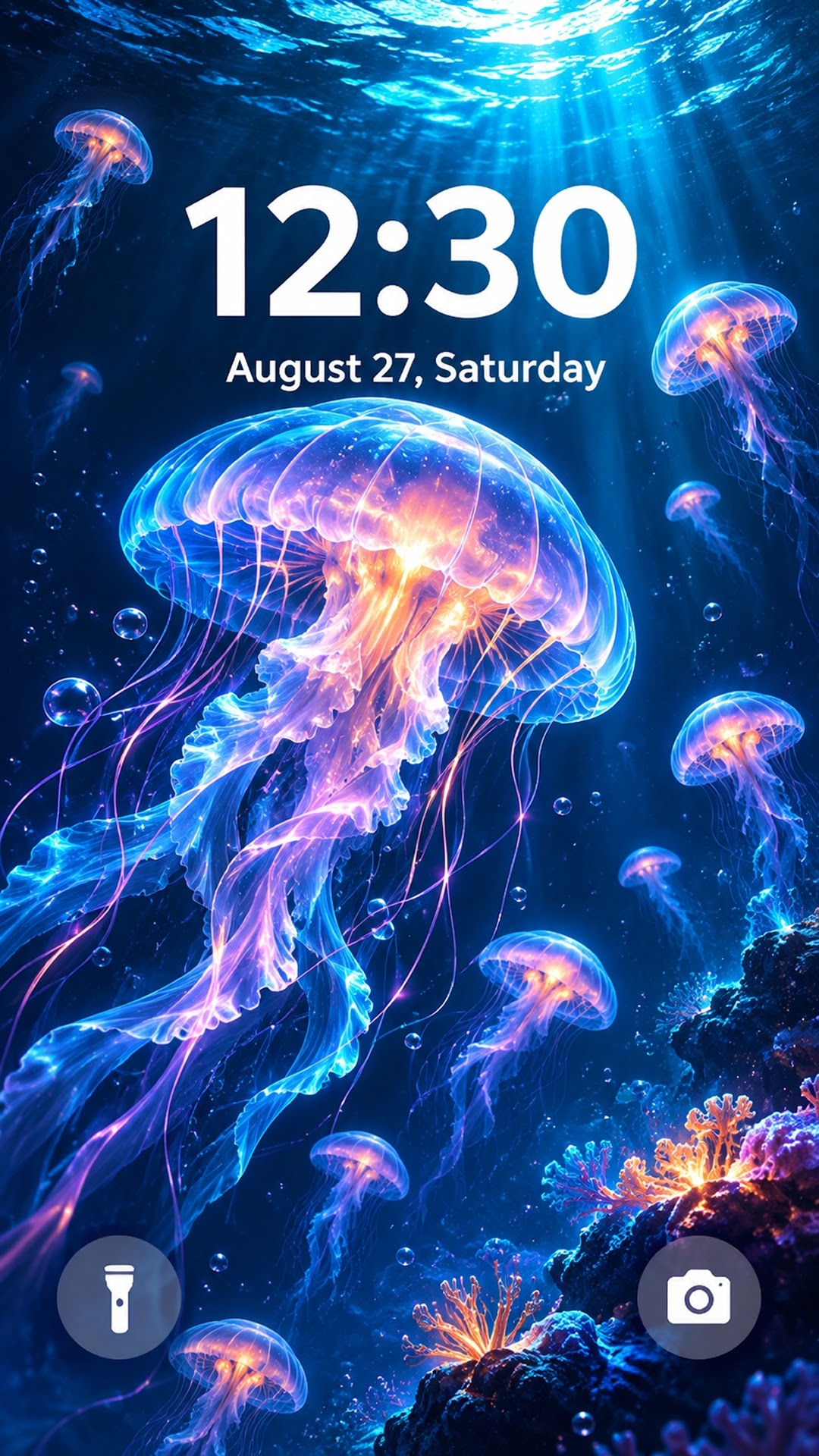
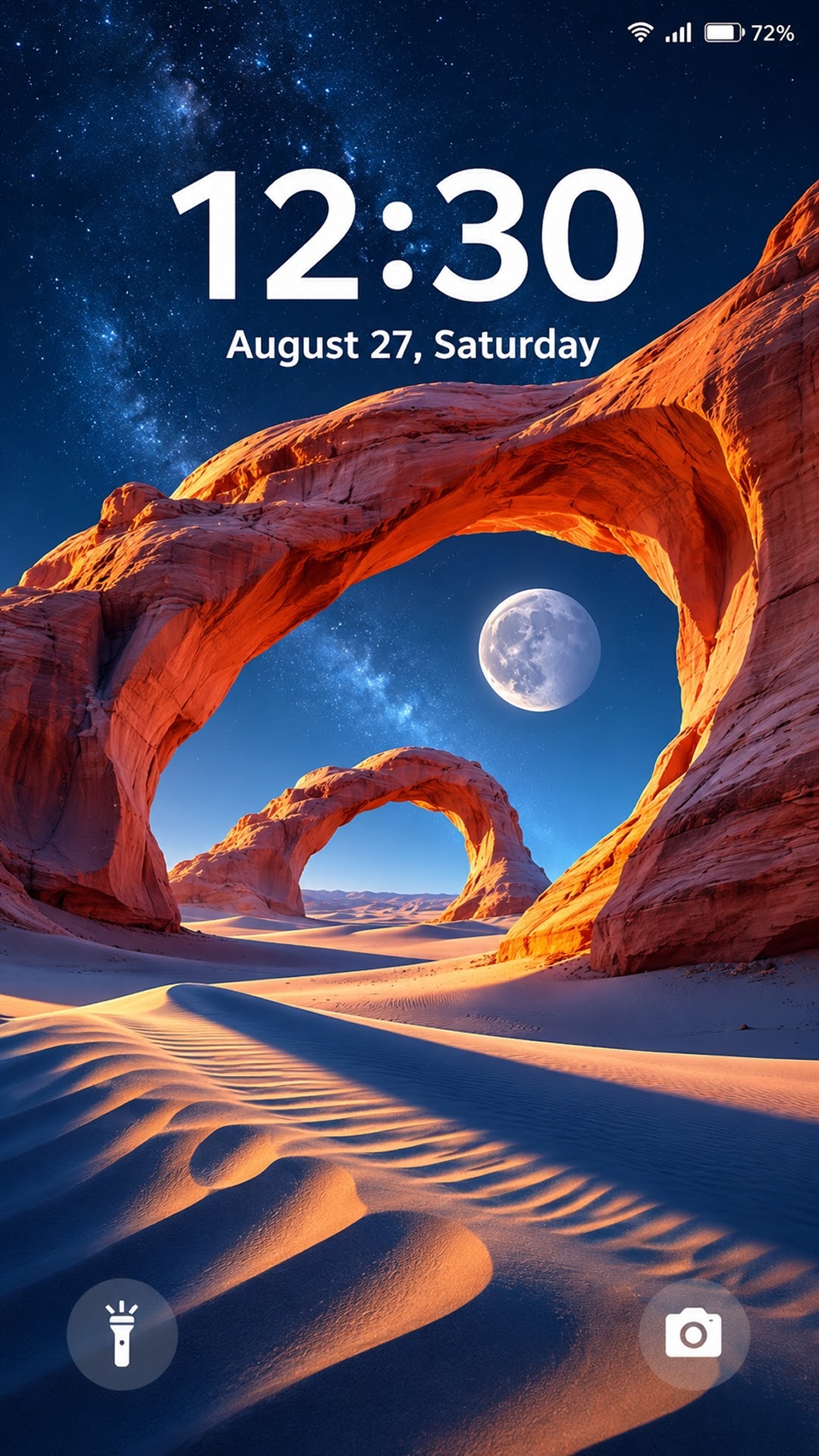
Apply an image using the wallpaper setting in Wallpaper Zone.
Enter a text description and generate a wallpaper image with AI.
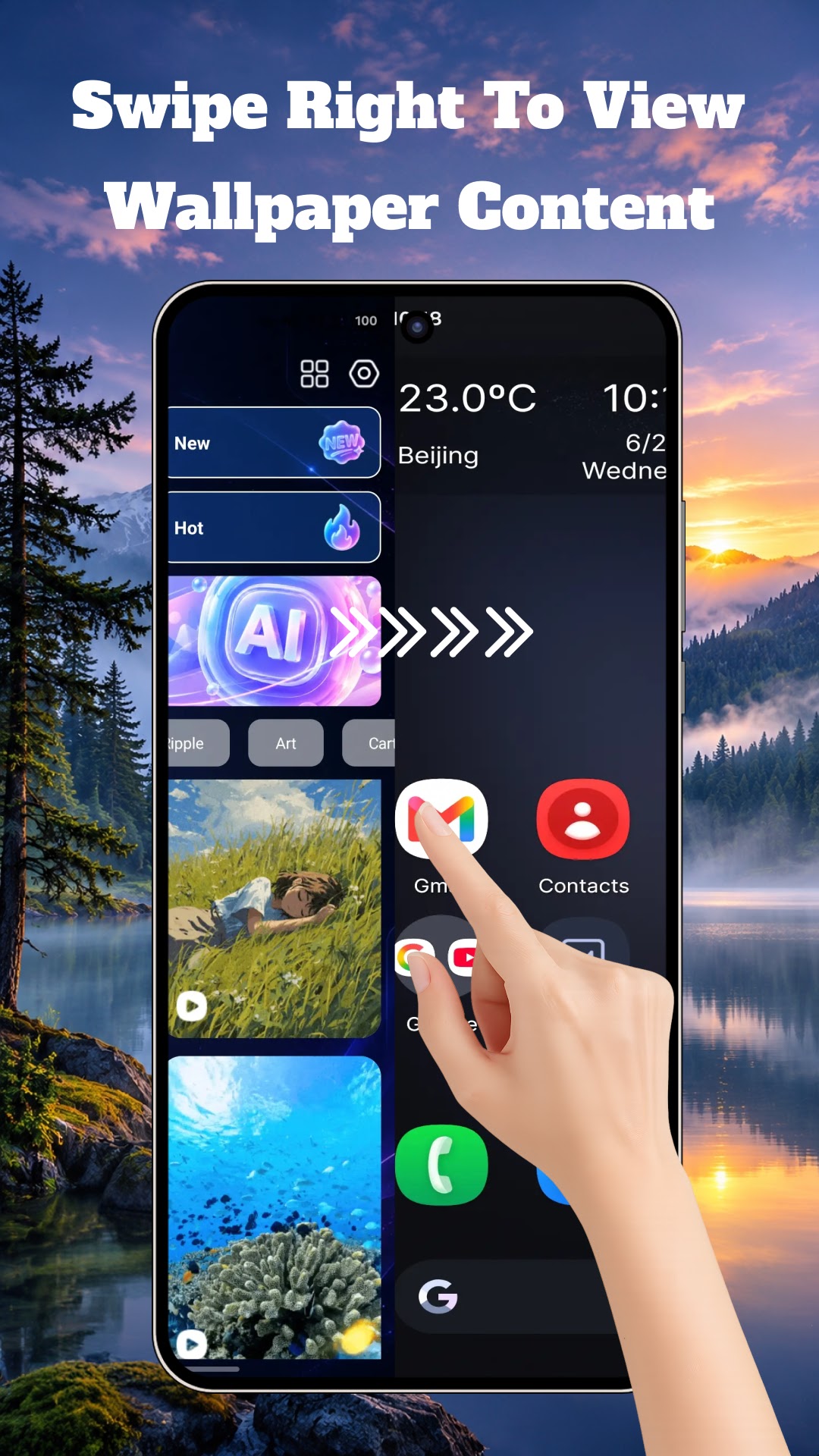
Choose Wallpaper Zone as your Home app to use its optional Android launcher.
Browse the collection or type a prompt into the AI wallpaper feature.
Compare designs or try another description to explore a different look.
Apply the image with the wallpaper setting or save it to your device.
Set Wallpaper Zone as your default Home app if you’d like to use its home screen and access supported apps through the launcher.
To switch back, open Android Settings, go to Default apps, then choose your system launcher under Home app. Menu names may vary by device.
Select a screenshot to enlarge it.
Wallpaper Zone contains ads. See the developer’s data safety disclosure on Google Play for information about data collection and sharing.
View data safety details